New in Tactics Board: animation, 3D goals and six languages
Five bigger things have landed in Tactics Board since the summer. Animations got a proper timeline. The pitch and the equipment are drawn from scratch, the drawing tools gained a polygon and a step marker, and drawing on a phone finally works. The interface now speaks six languages.
Animation runs on its own clock
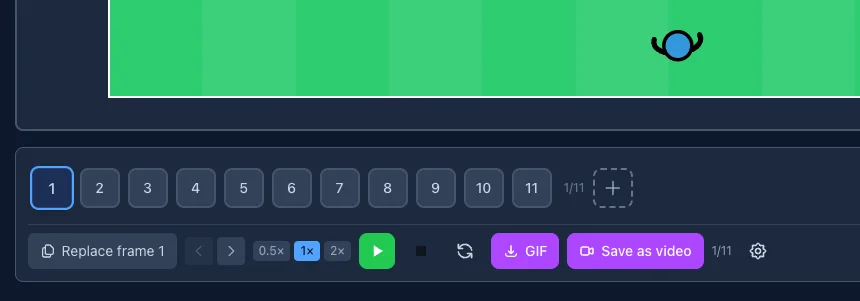
On the animation tab the frames now have a row of their own and the controls another. The whole animation used to run at a single speed. Now the selected frame gets its own duration from a 0.5×, 1× or 2× multiplier, so a quick pass takes a short phase and a long dribble a longer one. A duration that differs from the default is marked in the corner of the frame, so you don't have to keep it in your head.
The duration of the last frame decides how long the final shape stays on screen before playback loops. Settings also let you add a pause to the end of every phase, which holds the shape for a beat between steps.
Movement is eased according to what actually happens on the pitch. A player who starts from a standstill and stops at the next phase accelerates and decelerates; a player who carries the same run through several phases moves at a steady pace. The ball is its own case. It rolls the distance it travels, in the direction it travels, and no longer spins in place.
The pitch looks like a pitch
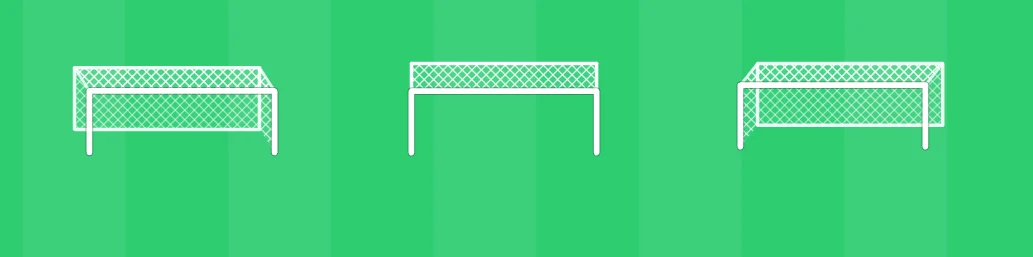
Goals are three-dimensional now. The net is derived from the dimensions of the goal itself, and the goal tilts according to where you drop it. At the goal line it stands upright, at the side of the pitch it turns to its own angle. A ball at the goal is drawn behind the net rather than on top of it, the way it should be.
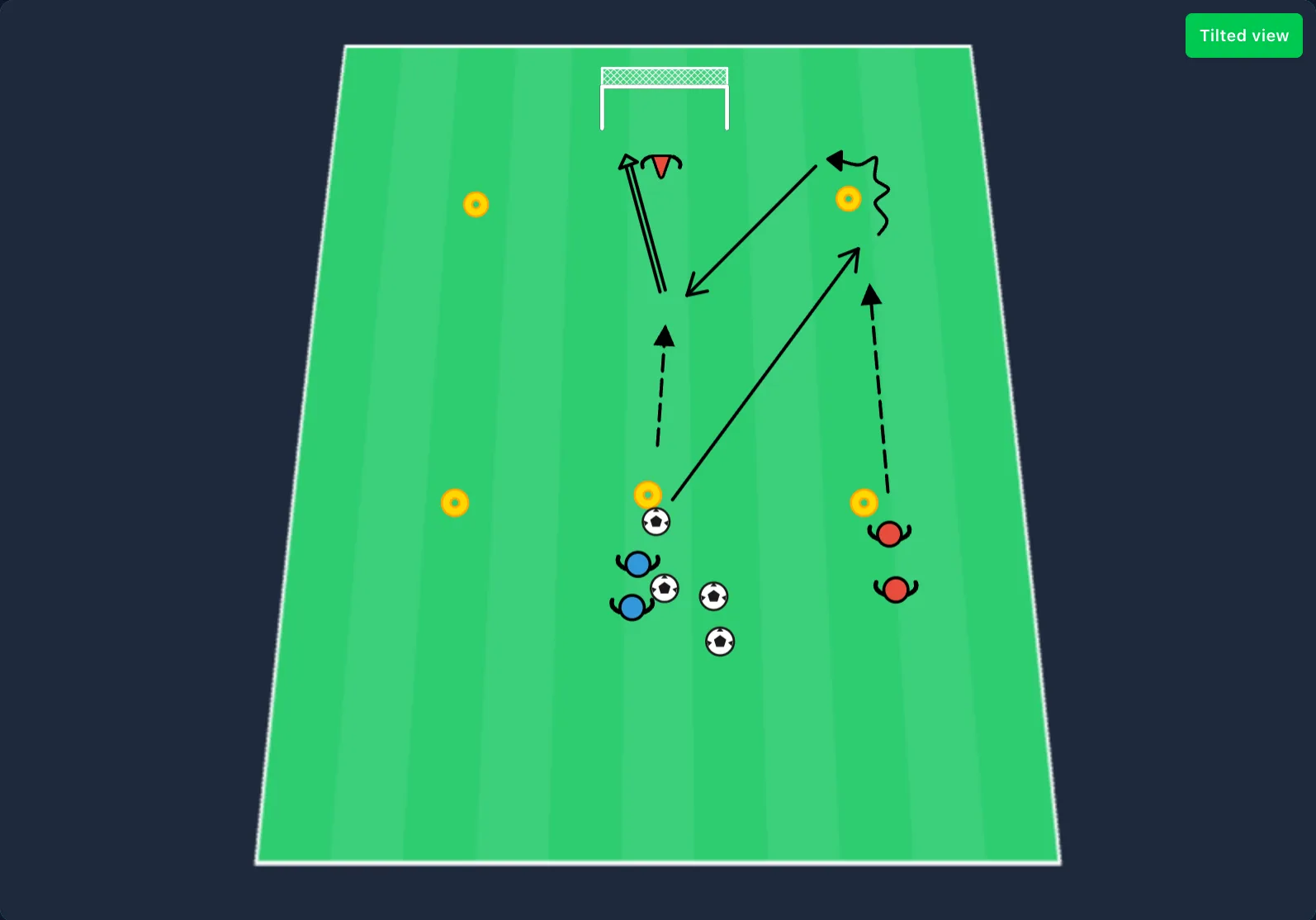
The grass has mowing stripes and the player markers cast a shadow. The new tilted view turns the pitch into a plane seen from an angle, which is roughly what a coach sees standing at the touchline. Diagram text moved to Barlow Condensed, which stays readable at small sizes.
Two new drawing tools
The polygon marks out an area that a rectangle or a circle won't cover. You click the corners one at a time and finish with the "Close area" button. A defensive block or any other irregular zone comes out as one shape, instead of being assembled from several boxes.
The step marker is a numbered marker for the pitch. The number belongs to the marker rather than to a player, and it stays where you put it. Removing one doesn't renumber the rest, because the order is the coach's call and not the app's. Marking the sequence of a drill used to mean reaching for the text tool.
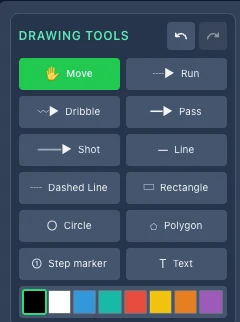
The toolbar was gathered into a single grid at the same time. The tools used to sit in several sections with undo and redo in a block of their own. Those moved to the panel header, and every tool is now visible at once.
Goalkeeper
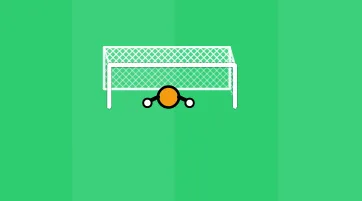
The Add person group now has a goalkeeper. Arms spread, gloves on — it's easy to tell apart from the outfield players at a glance. Until now the job went to a defender, which mostly looked like an opponent when it stood in its own goal. Colour and number change from the same panel as every other player.
Drawing on a phone
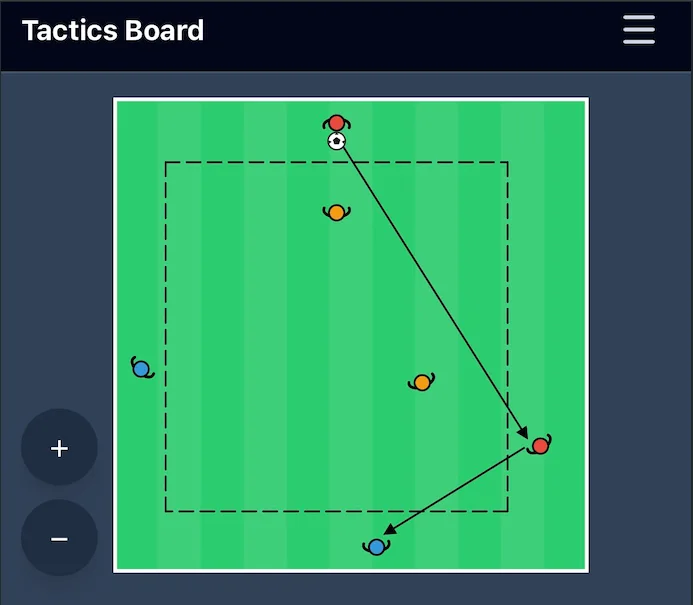
On a phone the pitch is about 360 pixels wide, which makes a player marker nine pixels across. Tapping a group of players always hit the top one rather than the one you meant.
Two fingers now zoom and pan at the same time, the way they do in a map app, and there are controls on the toolbar for anyone who doesn't go looking for the gesture. Touch targets have a floor that doesn't depend on the size of the object, so even a small marker is reachable with a fingertip. The toolbars were condensed into one grid, and the properties panel gets out of the way of whatever you have selected.
Six languages
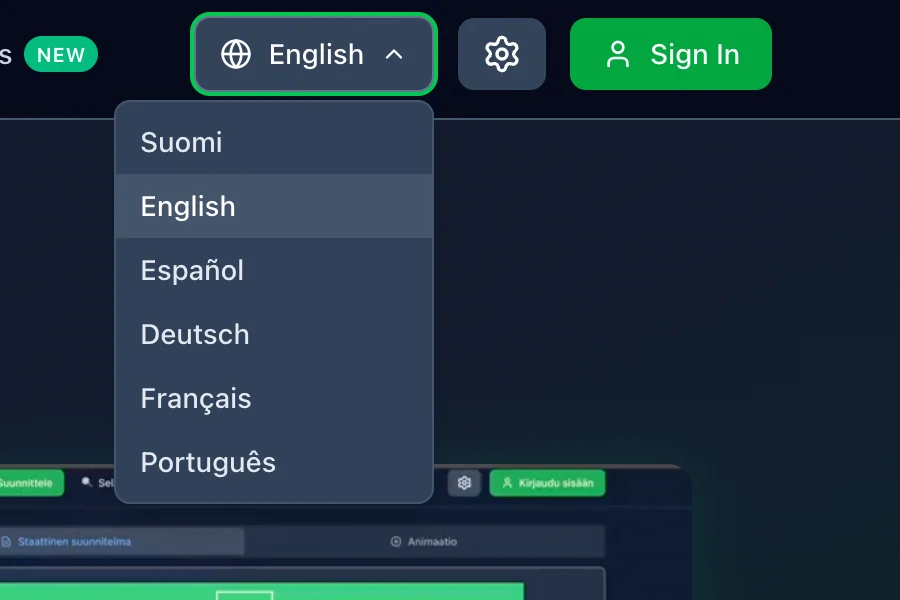
The interface is now available in English, Finnish, Spanish, German, French and Portuguese. You switch languages from the menu, and the choice is remembered for next time.
The translation covers the interface and published drills. When you publish a drill to the library, we generate an English version of it automatically and the original text stays as you wrote it. A drill written in English gets a Finnish version instead. One written in French or Spanish doesn't get a Finnish version nobody wrote, so a Finnish reader sees it in English. So with a Spanish interface the menus are in Spanish while the drill description is in English. Drills you keep to yourself stay in the language you wrote them in. The diagrams themselves are pictures and need no translation.
Update, October 2026: drills are now translated into all six languages. More in The drill library is now in six languages.
Missing something?
If there's something you need that isn't there yet, or something that works awkwardly, tell us. Get in touch and we'll know what to build next.