Send your match plan to the team's WhatsApp group
The lineup, the subs and a few drawn situations in one link that opens on a phone with no app. You build the match plan on the Season page in TacticsBoard and send the link to the team's WhatsApp group. Depending on the team, the group has the players, their parents or both. Before matchday, everyone knows who starts and where.
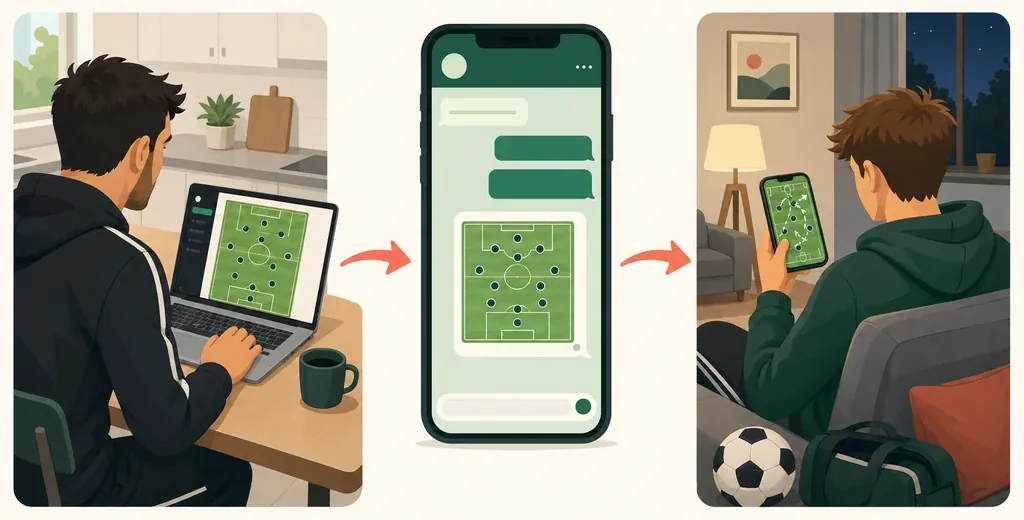
The FA, too, tells coaches to explain on matchday what the team is and when they'll make substitutions (The FA, The Boot Room). The changing room ten minutes before kick-off is a bad moment for that.
What does the team see?
The link opens one match on a phone: the opponent, the time, the lineup on the pitch with positions, the substitutes, your note and up to three situations you've drawn. Players and parents don't need an account or an app. The page works right inside WhatsApp's browser.
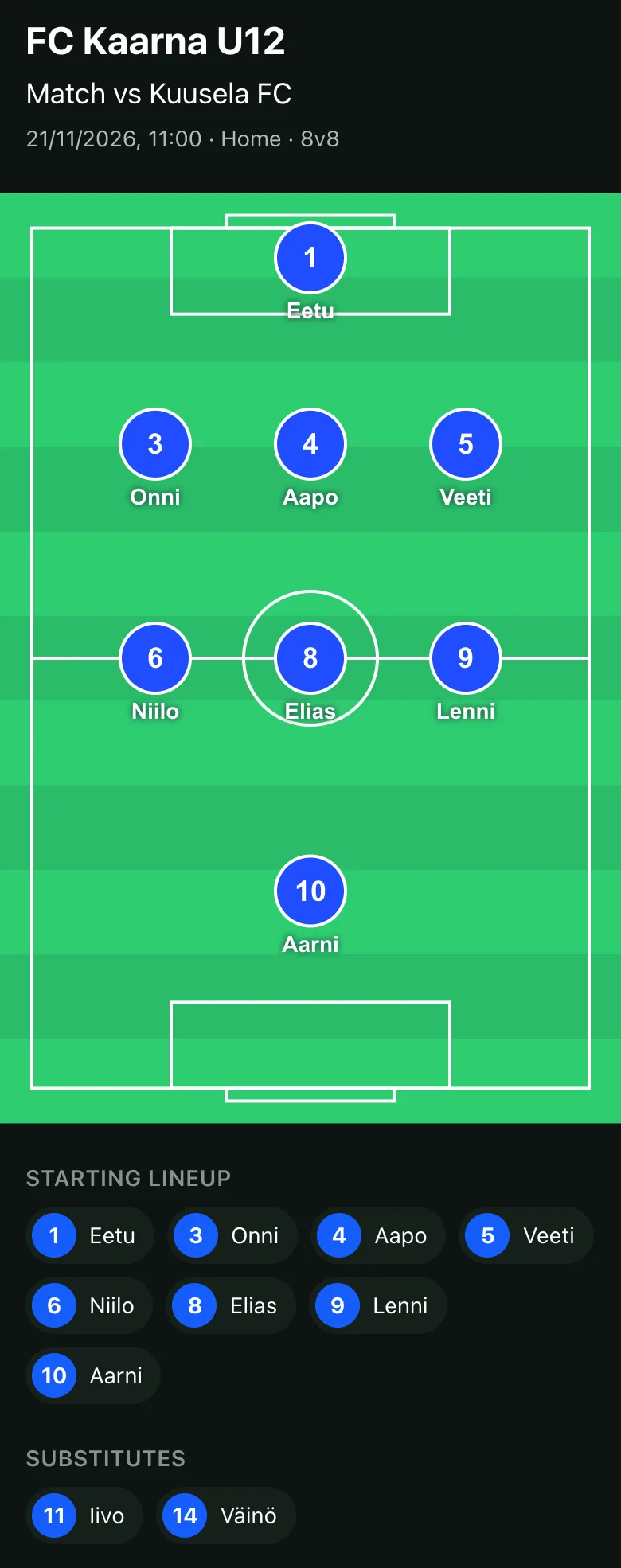
If you change the lineup after sharing, the same link shows the change. There's no need to send a new one.
How do you make one?
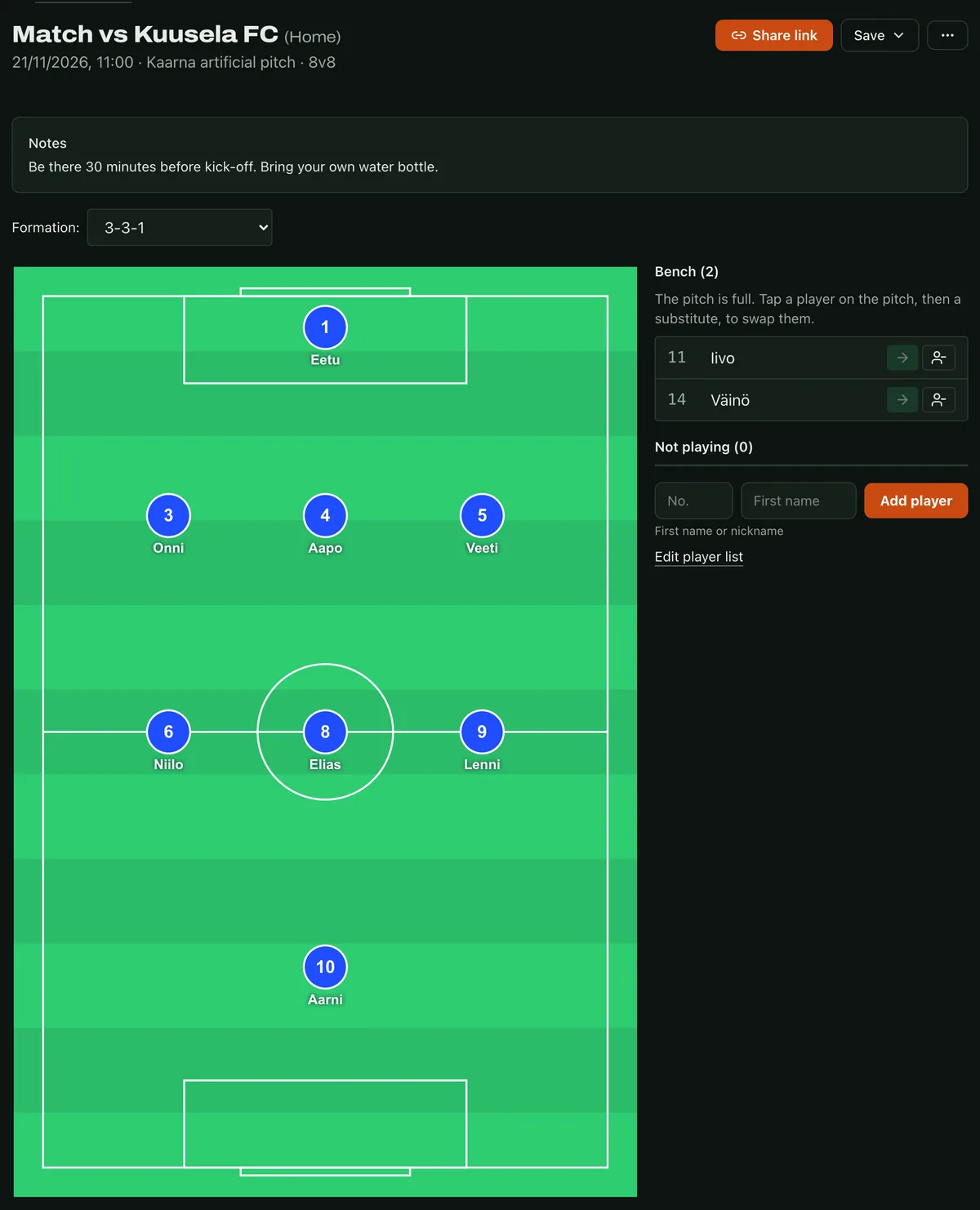
- Match and players. On the Season page, choose New match and add your players. Each player gets a first name or nickname and a number, so your next match starts with the same roster.
- Lineup. Pick the format and the formation. The players drop into place, and you can drag them around.
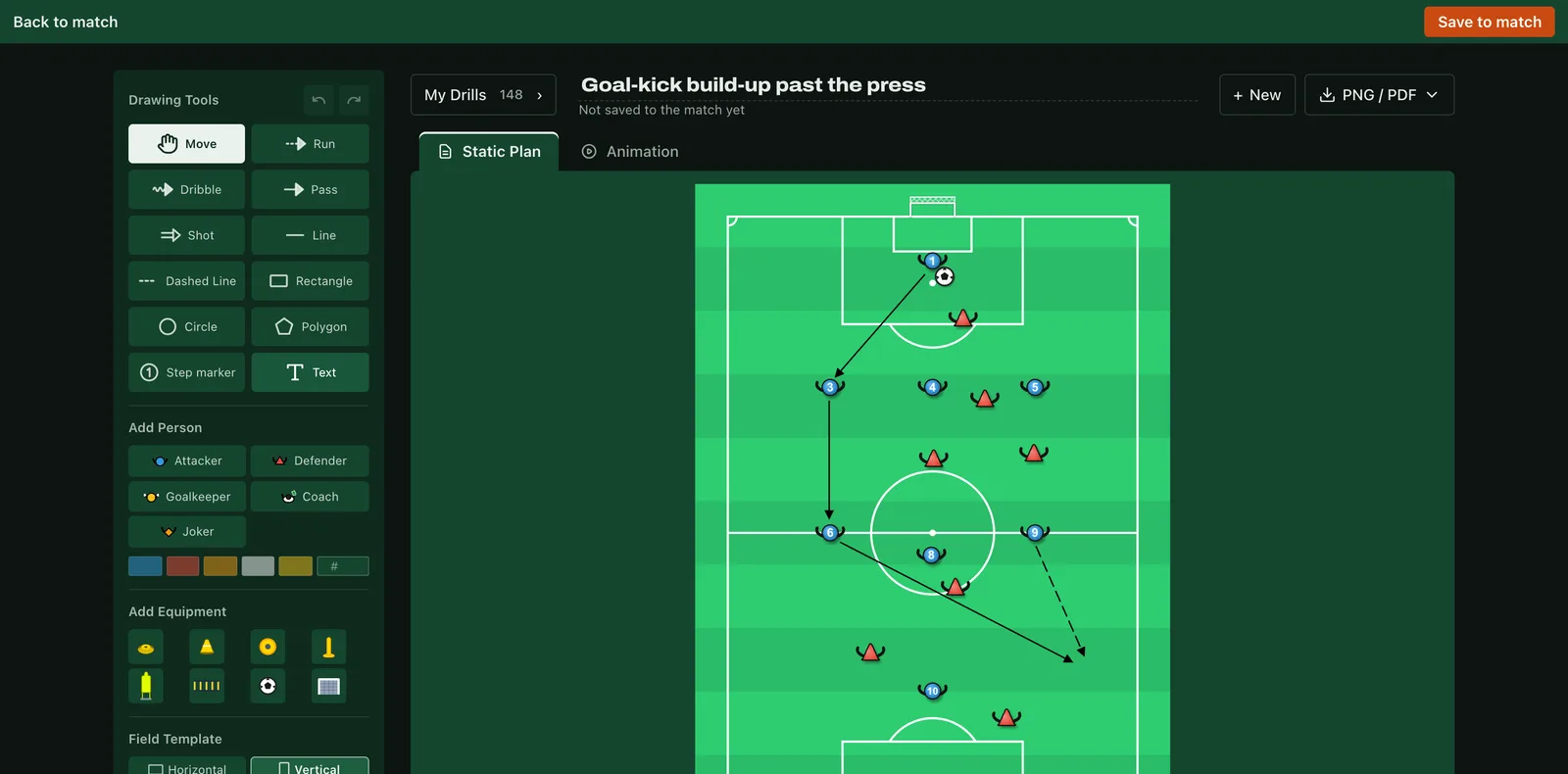
- Situations. Add situation opens the drawing board with the match's players already on it, numbered. Draw a goal-kick build-up or your corner setup and save it to the match.
- Link. Share the link and post it to the group. Later you'll see how many times it's been opened.
What about the children's names?
There's no surname field, and you can make the link show numbers only. The link only works for a limited time: it expires 24 hours after kick-off or 7 days after you created it, whichever comes first. You can close it whenever you like, and a closed link never opens again. If you want, add a 4-digit code that you tell the group separately. The page doesn't show your roster, earlier matches or your name. The privacy policy has the details.
What does it cost?
Building the match plan and saving it as an image is free, and you can post the image to the group as it is. The shareable link is part of Premium.
You can try it without an account: set up a lineup and save it as an image. Once you sign in, the plan moves to your Season page.